Atlas Log Multi-use Ultra Low Temperature Data Logger
A reusable external-probe logger for dry ice, ultra-low freezers and specialist cold-chain applications. It combines real-time LCD status, configurable alarms, temporary reporting and automatic PDF/CSV output.
Introduction
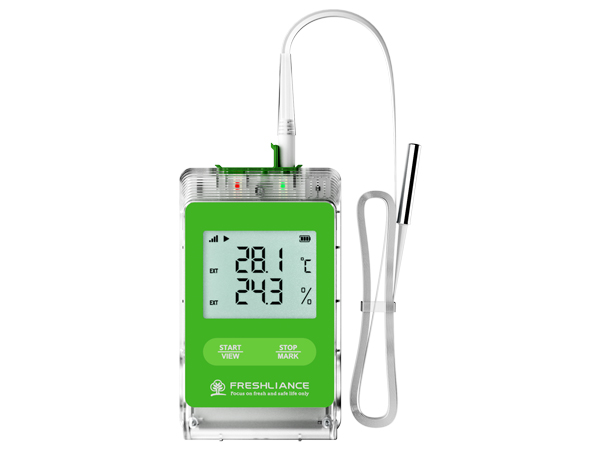
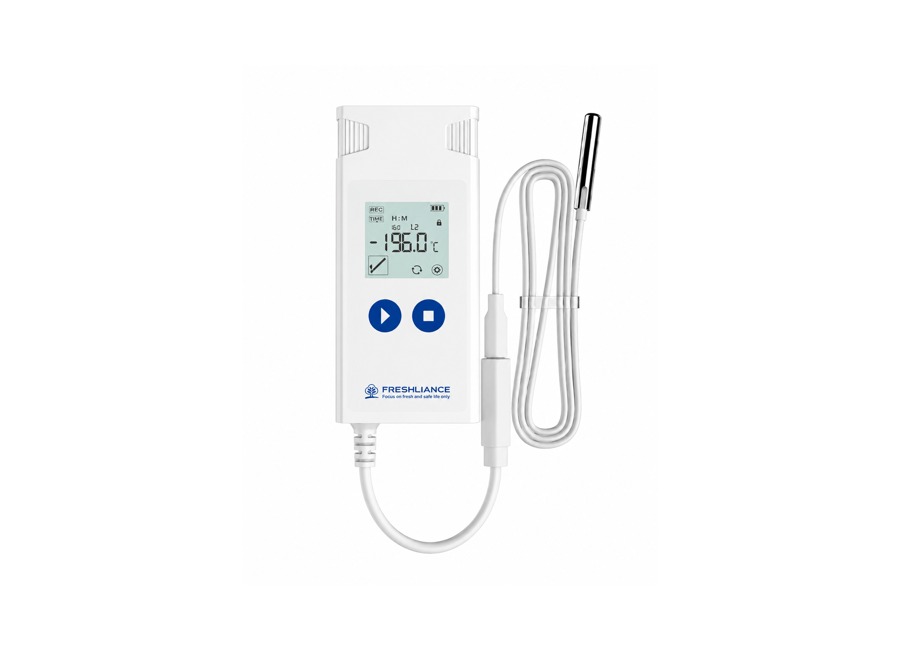
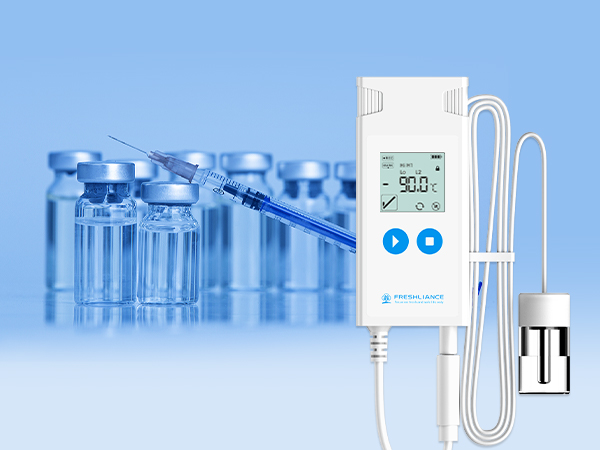
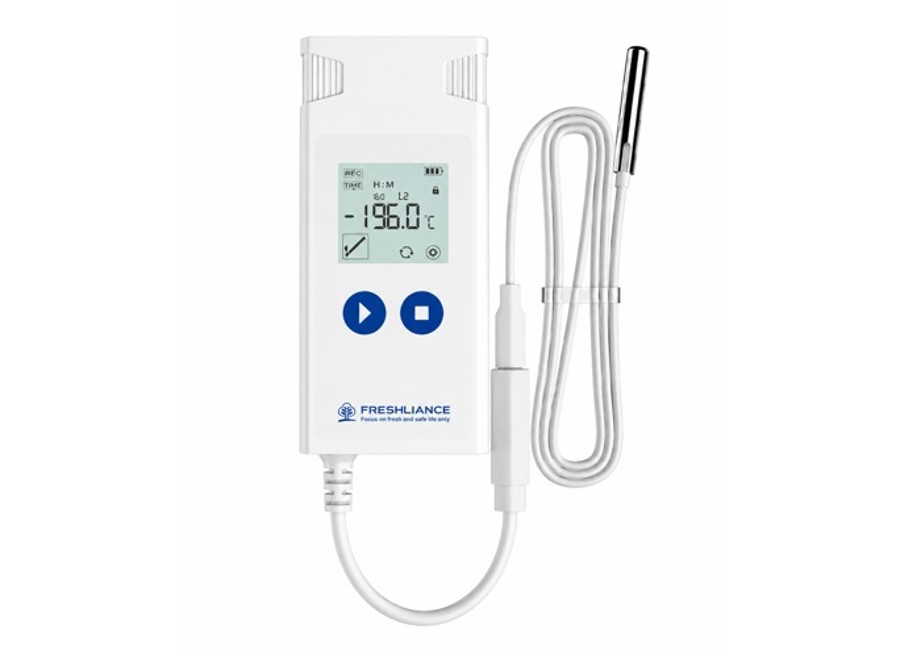
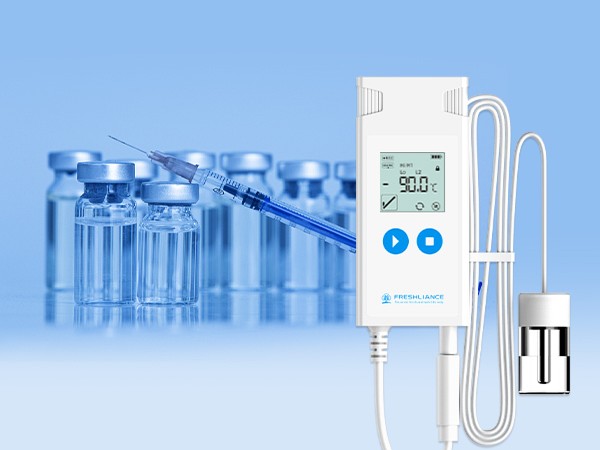
Atlas Log Multi-use Ultra Low Temperature Data Logger is a reusable USB data logger with an external probe for monitoring dry ice, ultra-low freezers, pharmaceutical shipments, biological samples and other temperature-sensitive products. The Atlas Log series supports ultra-low and ultra-high temperature applications through model-specific probes while keeping the display and controls accessible outside the monitored area.
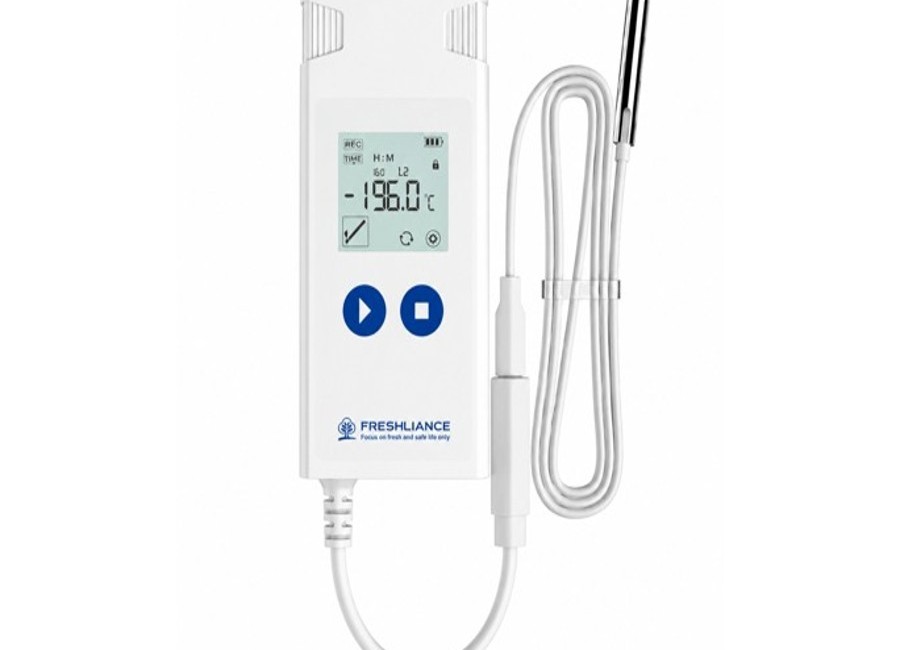
Before use, the logging interval, start delay, alarm thresholds, operating mode and report settings can be configured in Freshliance Tools. During operation, the LCD shows the current temperature, battery status, alarm condition, maximum, minimum and average values. Up to six alarm points and nine event marks support detailed trip documentation.
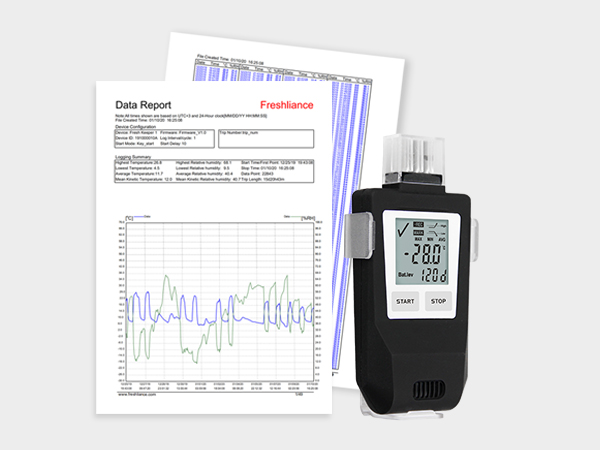
At the end of an assignment, connect the logger directly to a computer through USB to generate irreversible PDF, CSV or combined PDF-and-CSV reports automatically. Temporary report mode allows authorised users to review data while the logger continues recording. The replaceable battery and configurable probe options make the device suitable for repeated cold-chain assignments.
Key Features and Benefits
Multi-use operation
Reusable construction and a replaceable CR2450 battery support repeated monitoring assignments.
External probe monitoring
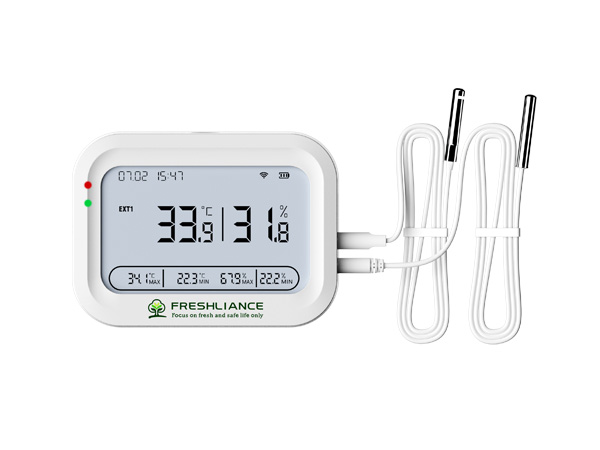
A standard 2 m pluggable probe keeps the sensor in the critical zone while the logger remains accessible.
Ultra-low temperature options
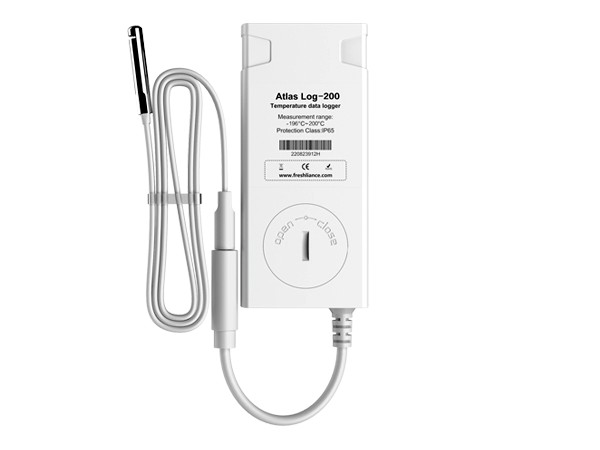
Atlas Log models support dry ice and liquid-nitrogen applications, with ranges extending to -196°C depending on the selected model.
Configurable alarms and marks
Set up to six alarm points and add up to nine event marks for loading, transfer, inspection and delivery events.
Automatic reports
Generate PDF, CSV or combined reports directly through USB without needing software to read the final report.
Temporary report and pause functions
Review data during an active trip and continue recording after the temporary report is generated.
Optional alarm buzzer
An LCD alarm symbol and optional buzzer provide immediate warning when configured limits are exceeded.
Flexible probe choices
Choose blunt or sharp sensor heads, customised cable lengths and flexible ultra-thin cable for sealed doors and specialised installations.
How the Product Is Used
Typical Applications
- Dry-ice pharmaceutical and vaccine shipments
- Cell and gene therapy logistics
- Biological samples, reagents and laboratory materials
- Ultra-low-temperature freezers and cold rooms
- Air, sea and road cold-chain transportation
- Frozen-food storage and distribution
- Liquid-nitrogen applications using the appropriate Atlas Log model
- Cold-chain qualification, verification and compliance records
Select the Atlas Log model and probe according to the required measuring range. Contact Gee Gee Data Monitoring System EMS (Pty) Ltd to confirm the correct configuration, calibration and accessories.
Atlas Log Series Specifications
| Product | Atlas Log Multi-use Ultra Low Temperature Data Logger |
|---|---|
| Type of Use | Single use or multi use, configurable |
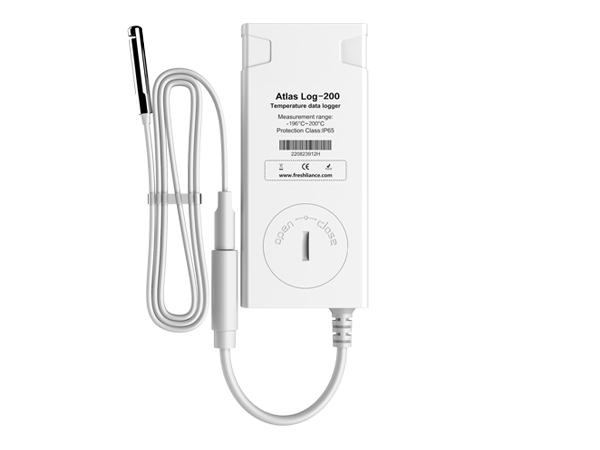
| Model Temperature Ranges | Atlas Log-30: -30°C to +70°C; Atlas Log-60: -60°C to +200°C; Atlas Log-90: -90°C to +200°C; Atlas Log-200: -196°C to +200°C |
| Temperature Accuracy | ±0.5°C (-90°C to +70°C); ±1°C outside this range, model dependent |
| Resolution | 0.1°C |
| Logging Interval | 1 minute to 24 hours, user configurable |
| Start Delay | 0 minutes to 24 hours, user configurable |
| Memory Capacity | Maximum 35,000 readings |
| Alarm Points | Maximum 6 points |
| Event Marks | Maximum 9 points |
| Report Format | PDF, CSV, or PDF and CSV |
| Connection | USB connector |
| Alarm Type | LCD display; optional buzzer alarm |
| Battery | 3.0 V CR2450 lithium battery, replaceable |
| Protection Class | IP65 |
| Compatible Operating Systems | Windows and macOS |
| Dimensions | 96 mm × 44 mm × 15 mm |
| Weight | Approximately 70 g |
| Probe | External pluggable probe, standard 2 m; cable length and insulation material configurable |
| Certifications / Standards | CRF 21 part 11 Compliant |
Freshliance Tools
Freshliance Tools is the PC software used to configure, retrieve and analyse Atlas Log data. When the logger is connected through USB, the software automatically detects the device and displays its ID, battery status, operating mode, logging interval, start mode, alarms and other configuration information.
Before deployment, users can configure the logging interval, start delay, up to six alarm limits, report format, time zone, temperature unit and other settings. Recorded temperatures can be reviewed in interactive graphs and detailed tables, with maximum, minimum, average and MKT statistics available for quality analysis.
The software can export data in PDF, CSV, TXT and PNG formats, supports multiple languages and allows data from several devices to be compared on one chart. Final PDF/CSV reports can still be generated automatically by connecting the logger to a computer, without requiring Freshliance Tools to open the report.
Device configuration
Configure interval, delay, alarm thresholds, operating mode, units and report settings before use.
Automatic USB detection
View device identity, battery condition, status and current configuration immediately after connection.
Graph and statistics
Analyse detailed temperature records, trends, maximum, minimum, average and MKT values.
Flexible exports
Export PDF, CSV, TXT and PNG reports and compare several devices on one chart.