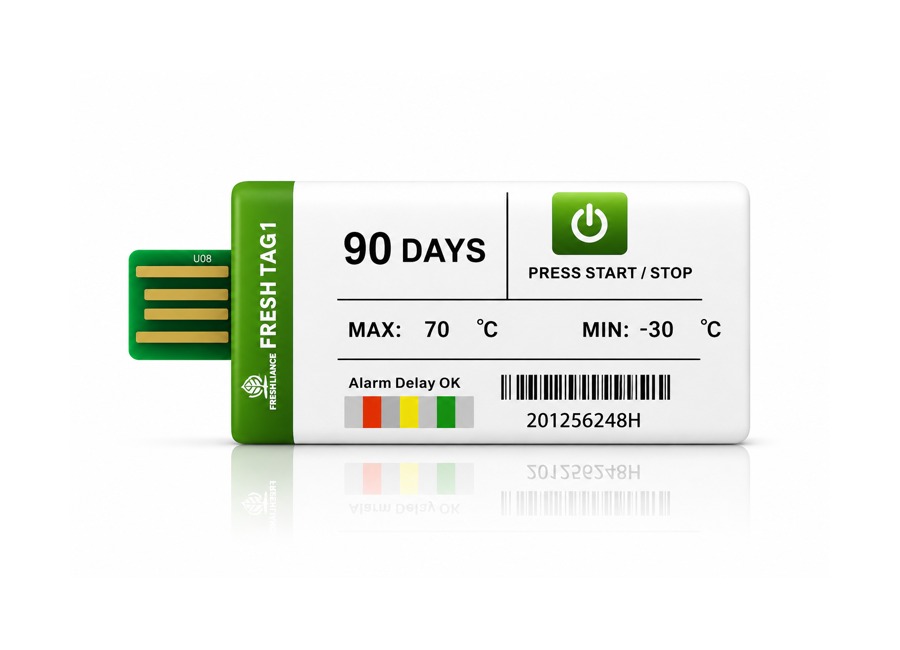
Fresh Tag 10T Configurable Single Use Temperature Data Logger
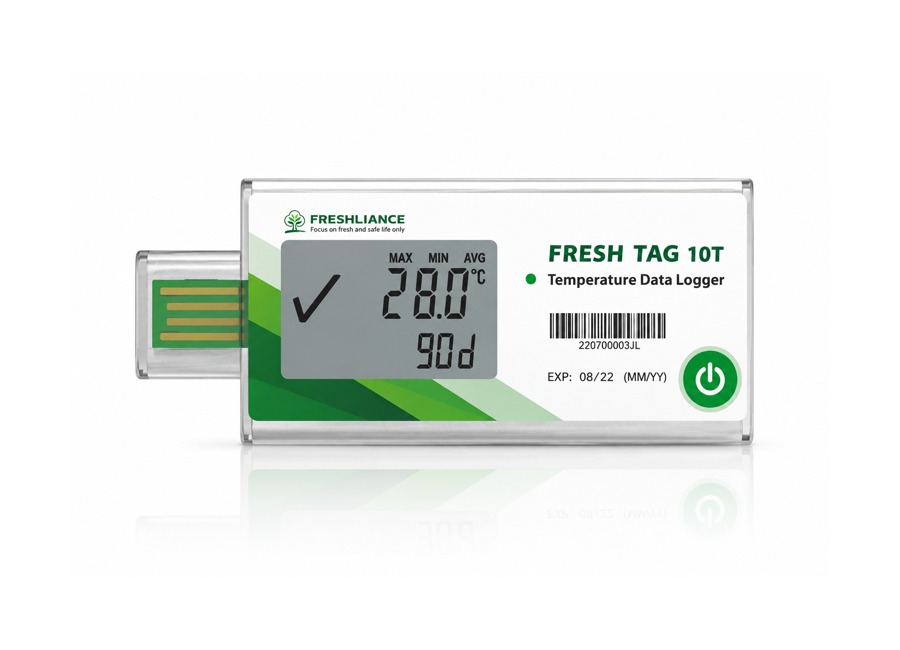
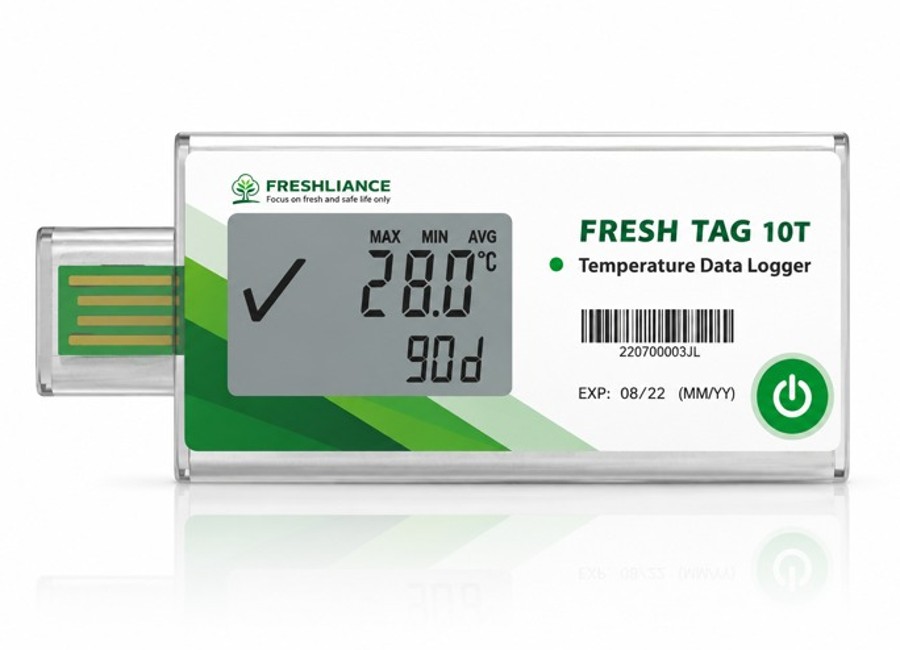
Fresh Tag 10T is a configurable single-use USB temperature data logger for recording the conditions experienced by sensitive goods during transport and storage. It is suitable for routine cold-chain shipments as well as longer distribution routes that require a detailed electronic history.
Introduction
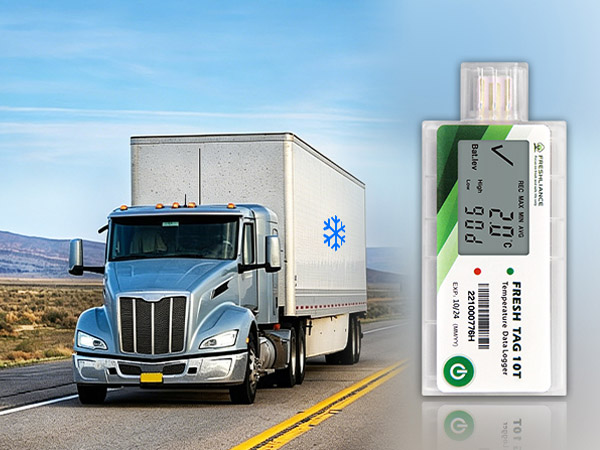
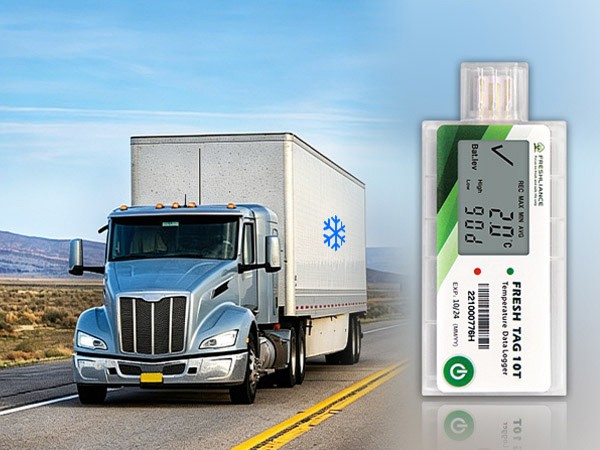
The Fresh Tag 10T is a configurable, single-use USB temperature data logger designed to document temperature conditions throughout the transport and storage of sensitive products. Its compact construction makes it easy to position inside refrigerated vehicles, insulated containers, cooler bags, medical cabinets, cold rooms, freezers and laboratory storage areas.
Before deployment, authorised users can configure the logging interval, start delay, alarm thresholds and reporting options with the Freshliance Tools software. Once activated, the logger records automatically for as long as 120 days and stores up to 65,000 temperature readings, providing a detailed traceable history for quality-control and compliance review.
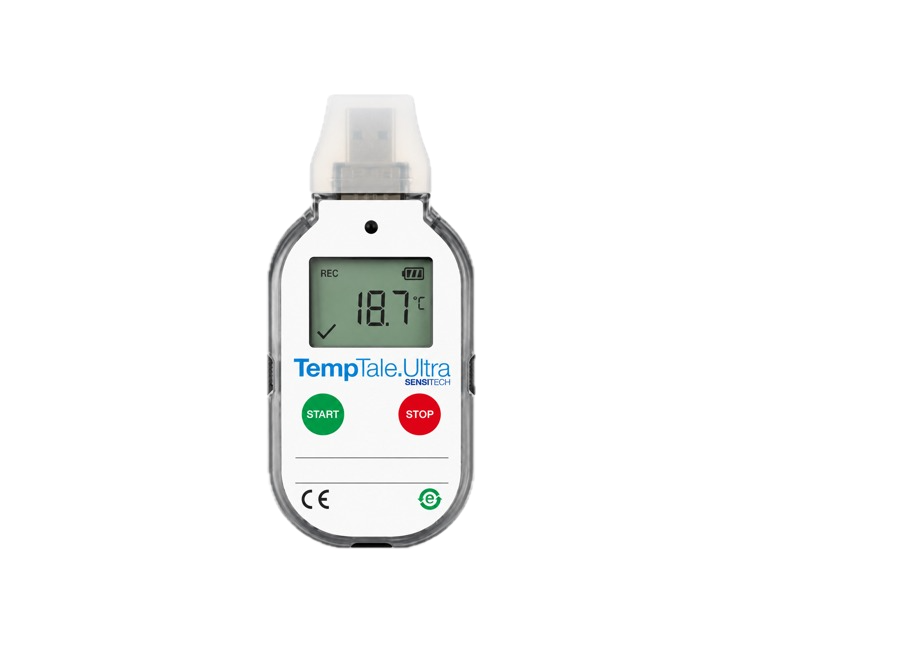
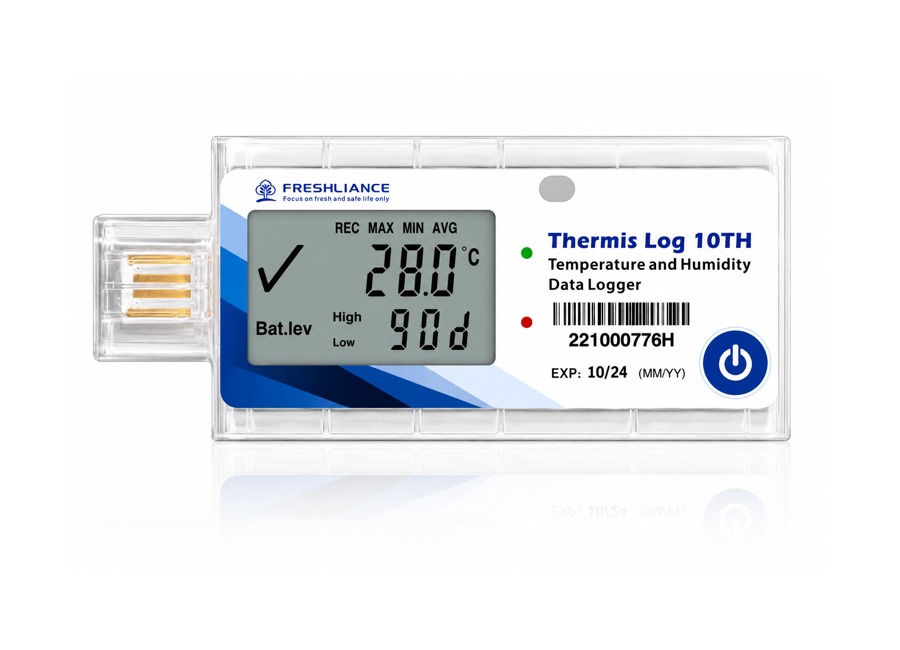
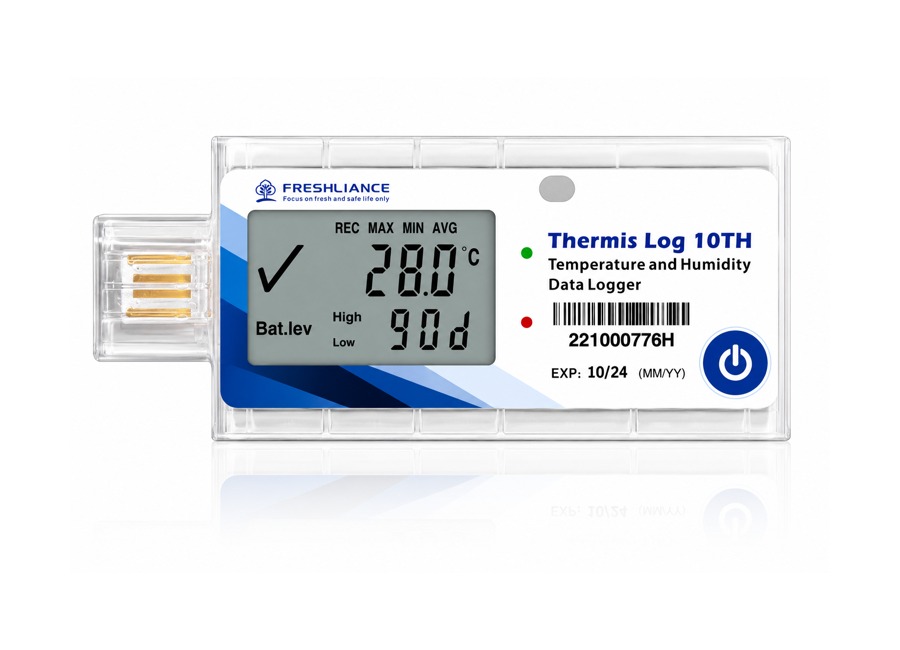
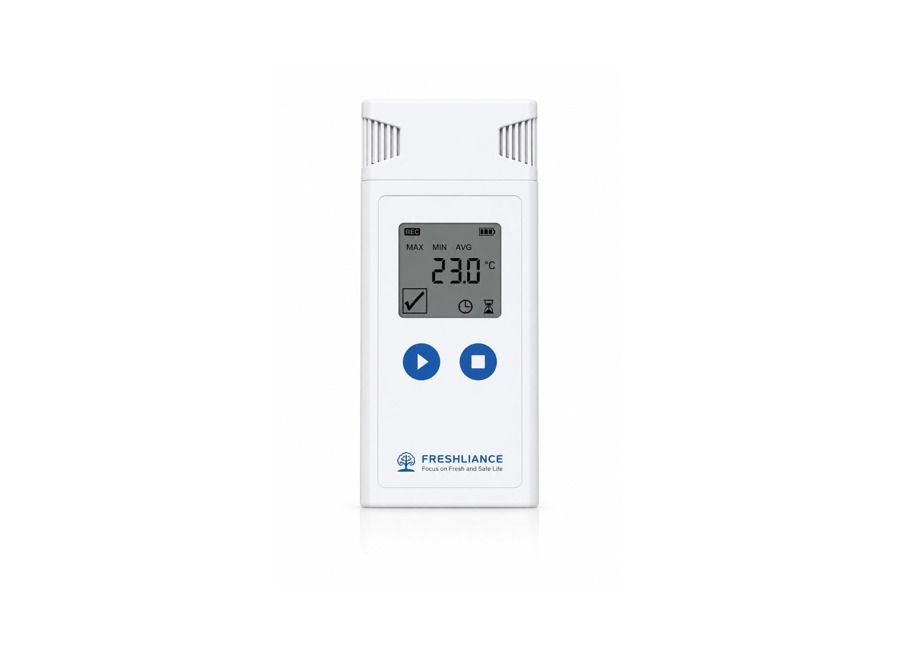
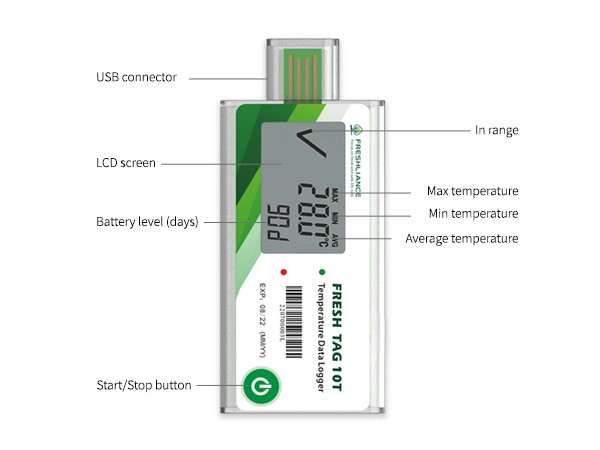
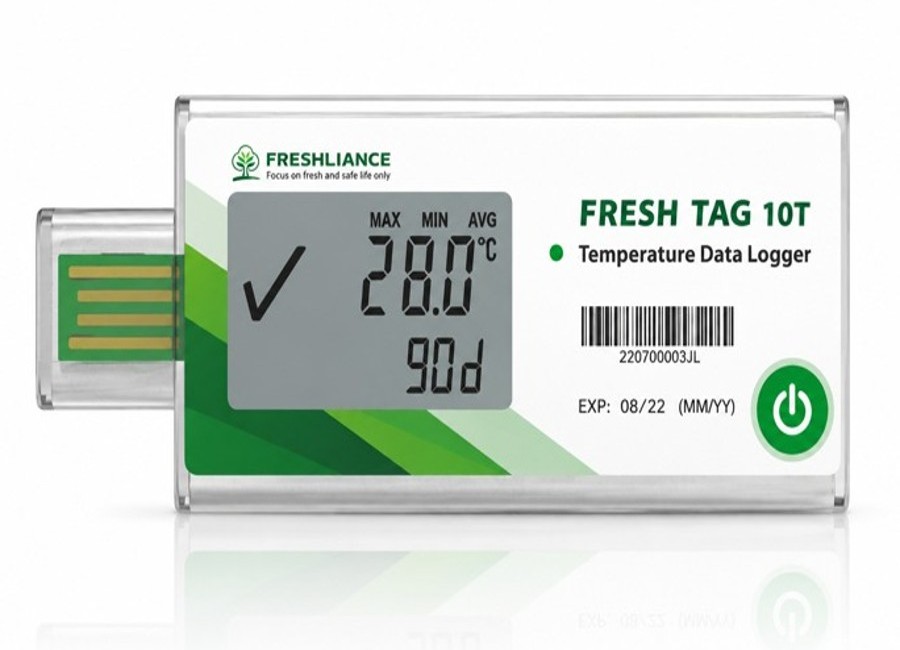
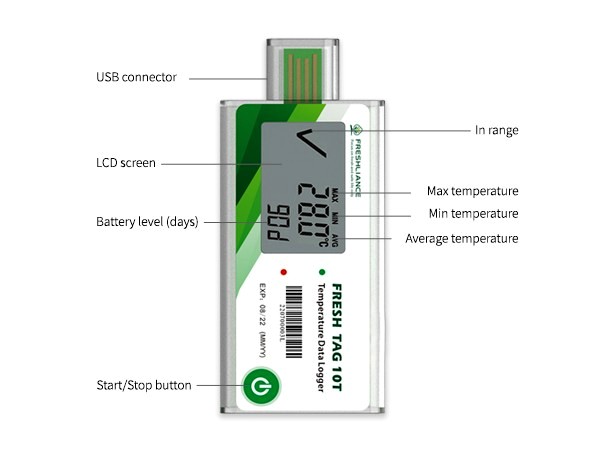
A large LCD screen gives an immediate view of current temperature, maximum, minimum and average values, alarm status, remaining operating days and recorded event marks. Green and red LED indicators provide a quick visual status check without requiring the device to be connected to a computer.
At the end of the trip, the integrated USB connector can be inserted directly into a Windows or macOS computer. The logger then generates an encrypted PDF report, CSV data file or combined PDF-and-CSV report automatically. A temporary-report option allows data to be reviewed during an active journey without ending the recording session.
Features and Benefits
Configurable operating parameters
Set the recording interval, start delay, alarm limits and report preferences before use through the free configuration software.
Up to six alarm points
Create detailed alarm profiles for temperature-sensitive goods that require more than a basic high-and-low threshold.
Nine event marks
Mark inspections, loading, handovers and other important events so they can be identified in the recorded trip history.
Long-duration monitoring
Supports journeys of up to 120 days and stores a maximum of 65,000 readings for detailed cold-chain documentation.
Large LCD and LED status
Displays current and statistical values, alarm time, battery information and remaining days, supported by clear red and green indicators.
Automatic encrypted reporting
Generates PDF, CSV or combined reports through the integrated USB connection without requiring a separate reader.
Temporary report function
Review data during an active trip without stopping the logger, supporting intermediate inspections on longer routes.
Compact and easy to deploy
The lightweight single-use design can be placed close to the monitored goods and requires only simple button operation.
Alarm notification
The LCD and status lights clearly indicate when a configured temperature limit has been exceeded.
Protected for transport environments
The IP65 housing provides resistance to dust and water jets encountered during normal shipment handling.
How to Use the Logger
Applications
The Fresh Tag 10T is suitable for documenting temperature conditions across a wide range of cold-chain, storage and distribution operations.
- Vaccines, pharmaceuticals and biological materials
- Fresh, chilled and frozen foods
- Meat, poultry, seafood and dairy products
- Fruit, vegetables and floral products
- Refrigerated trucks and shipping containers
- Cooler boxes and insulated packaging
- Cold rooms, freezers and medical cabinets
- Laboratories and temperature-controlled warehouses
The electronic record can provide supporting evidence to product owners, logistics providers and quality teams when investigating a cold-chain excursion or verifying handling conditions.
Configurations, calibration documentation and supplied accessories may differ by order. Confirm your alarm profile and reporting requirements with Gee Gee Data Monitoring System EMS (Pty) Ltd before purchase.
Fresh Tag 10T Technical Specifications
| Model | Fresh Tag 10T | Type of Use | Single use |
|---|---|---|---|
| Temperature Range | -30°C to +70°C | Temperature Accuracy | ±0.5°C full scale |
| Logging Interval | 1 minute to 24 hours, user configurable | Connection | USB; NFC optional |
| Start Delay | 0 minutes to 24 hours, user configurable | Protection Grade | IP65 |
| Memory Capacity | Maximum 65,000 readings | Battery | CR2032 |
| Display | LCD and LED indicators | Battery Life | Maximum 120 days |
| Alarm Points | Maximum 6 alarm points | Event Marks | Maximum 9 marks |
| Dimensions | 94 mm (L) × 41 mm (W) × 8 mm (H) | Weight | 27.5 g |
| Compatible Operating Systems | Windows and macOS | Certificates | CRF 21 part 11 Compliant |
| Report Formats | Encrypted PDF, CSV, or combined PDF and CSV; temporary report available | ||
| Compliance | WHO PQS E006/TR05.1 compliant | ||
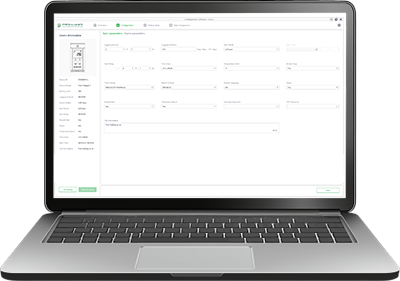
Freshliance Tools
Freshliance Tools is the desktop configuration and data-analysis software used with the Fresh Tag 10T. When the logger is connected to a Windows or macOS computer through its integrated USB connector, the software automatically recognises the device and displays its identification number, battery status, operating state, recording interval and selected start mode.
Before deployment, authorised users can configure the recording interval, start delay, alarm thresholds, alarm type, time zone, report title and report format. This allows each logger to be prepared for the exact shipment duration and temperature-control requirements of the monitored product.
After the monitoring trip, users can review interactive temperature graphs, detailed reading tables, alarm events and statistical values including minimum, maximum, average temperature and mean kinetic temperature. Records can be exported in PDF, CSV, TXT or PNG format, and data from multiple loggers can be compared on one chart for shipment, route or location analysis.
Device configuration
Set intervals, delays, alarm limits, time zones and report preferences before the logger is activated.
Automatic device detection
View the logger ID, battery level, status, interval and start mode immediately after USB connection.
Graph and table analysis
Review the complete temperature history, alarm events and calculated trip statistics.
Flexible report export
Export monitoring records in PDF, CSV, TXT or PNG format for compliance and quality documentation.